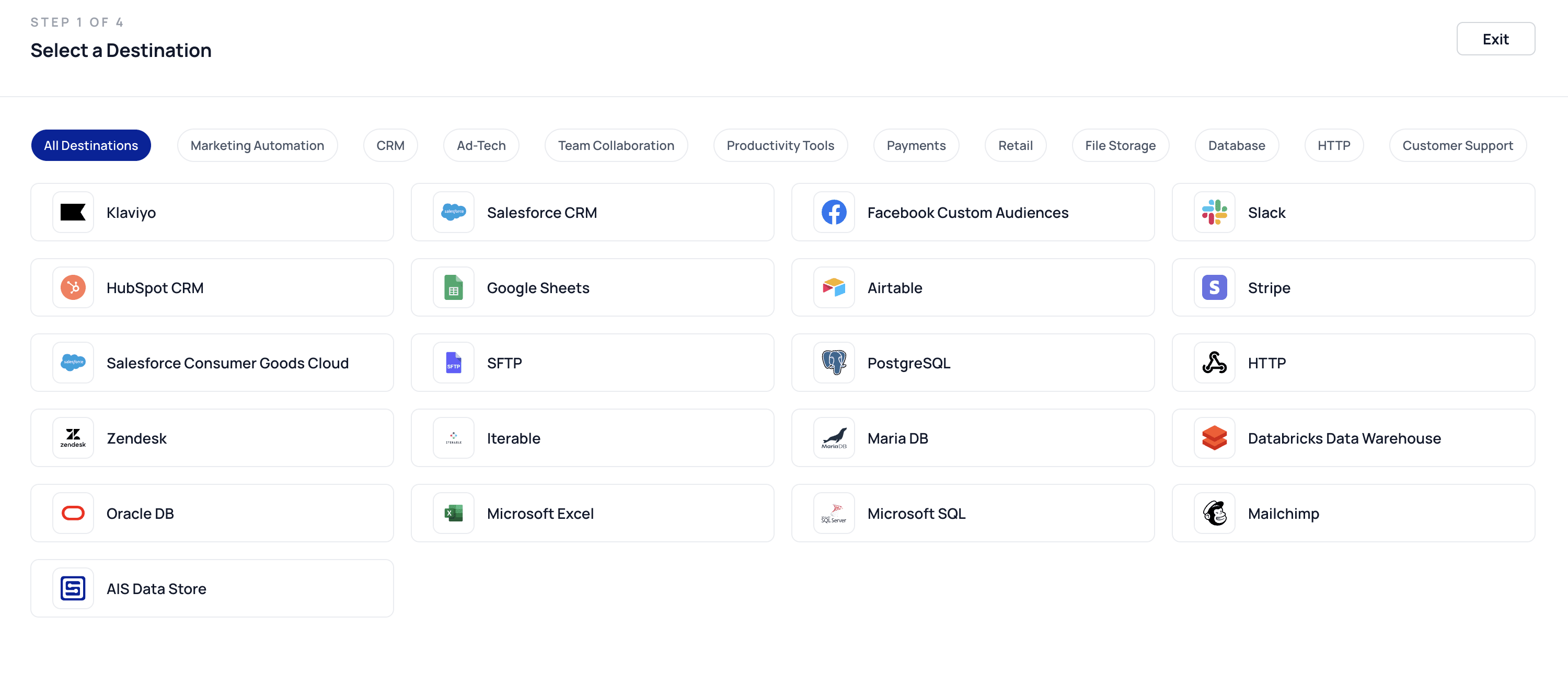
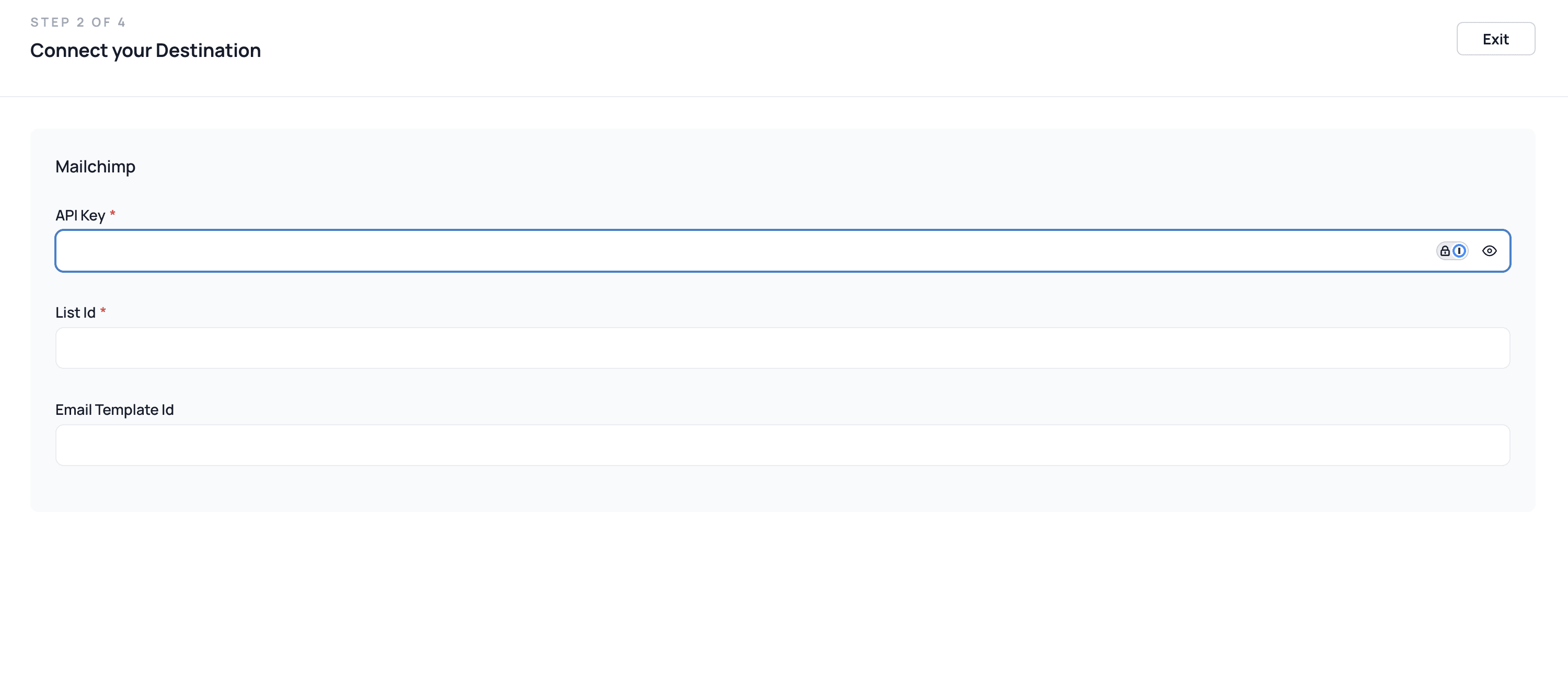
To integrate Mailchimp with AI Squared, you need to establish a destination connector. This connector will allow AI Squared to sync data efficiently from various sources to Mailchimp.
To sync data to Mailchimp, you first need to prepare your data by creating a model based on the source data. Here’s how:
Review Your Source Data
Identify the key fields you need from the source (e.g., email, first name, last name, and tags).
Create the Model
Select the necessary fields from your source.
Map these fields to match Mailchimp’s required parameters, such as email, merge_fields.FNAME (first name), and tags.0.
Save and Validate
Ensure the model is structured properly and contains clean, valid data.
Sync the Model
Use the model as the basis for setting up your sync to Mailchimp.
Map fields from the model to the corresponding Mailchimp parameters during sync configuration.
This step ensures your data is well-structured and ready to integrate with Mailchimp seamlessly.
When creating a sync for the Mailchimp destination connector, the following parameters can be mapped to enhance data synchronization and segmentation capabilities:
first_name Description: The first name of the contact. Purpose: Used for personalization in email campaigns.
last_nameDescription: The last name of the contact. Purpose: Complements personalization for formal messaging.
merge_fields.FNAME Description: Merge field for the first name of the contact. Purpose: Enables advanced personalization in email templates (e.g., “Hello, |FNAME|!”).
merge_fields.LNAME Description: Merge field for the last name of the contact. Purpose: Adds dynamic content based on the last name.
tags.0 Description: A tag assigned to the contact. Purpose: Enables grouping and segmentation within the Mailchimp audience.
vip Description: Marks the contact as a VIP (true or false). Purpose: Identifies high-priority contacts for specialized campaigns.
language Description: The preferred language of the contact using an ISO 639-1 code (e.g., en for English, fr for French). Purpose: Supports localization and tailored communication for multilingual audiences.
ip_opt Description: The IP address from which the contact opted into the list. Purpose: Ensures regulatory compliance and tracks opt-in origins.
ip_signup Description: The IP address where the contact originally signed up. Purpose: Tracks the geographical location of the signup for analytics and compliance.
timestamp_opt Description: The timestamp when the contact opted into the list (ISO 8601 format). Purpose: Provides a record for regulatory compliance and automation triggers.
timestamp_signup Description: The timestamp when the contact signed up (ISO 8601 format). Purpose: Tracks the signup date for lifecycle and engagement analysis.